Understanding the 30-Day Reporting Rule
From 1st April 2025, taxpayers with Annual Aggregate Turnover (AATO) of ₹10 crore and above cannot report e-invoices older than 30 days on IRP portals. This rule applies to invoices, credit notes, and debit notes for which IRN generation is required.
For example, if an invoice is dated 1st April 2025, it should be reported within the allowed 30-day window. If the taxpayer tries to report it after this period, the IRP may reject the request.
What E-Invoicing Covers
| E-invoicing applies to |
E-invoicing does not apply to |
| B2B invoices issued to GST-registered buyers |
B2C invoices issued to unregistered customers |
| Export invoices |
Delivery challans where a tax invoice is not required |
| Supplies to SEZ units or SEZ developers |
Internal stock movement under the same GSTIN |
| Deemed exports |
Financial credit notes not linked to taxable supply |
| Credit notes linked to covered supplies |
Commercial debit notes not linked to taxable supply |
| Debit notes linked to covered supplies |
Documents outside the e-invoice mandate |
Setting Up E-Invoicing in BUSY
E-invoicing configuration is activated in BUSY settings. The feature will be enabled for voucher types like sales invoices, credit notes, and debit notes.
API integration parameters are configured. Credentials generated from the IRP or GSP portal are saved to establish connection.
Verification of HSN, UOM, state codes, and party GSTINs. Correcting master details prevents IRP portal rejections.
Generating an E-Invoice in BUSY: Step by Step
- Create the Sales Invoice: Enter standard billing info (party details, items, prices, GST tax values) as usual.
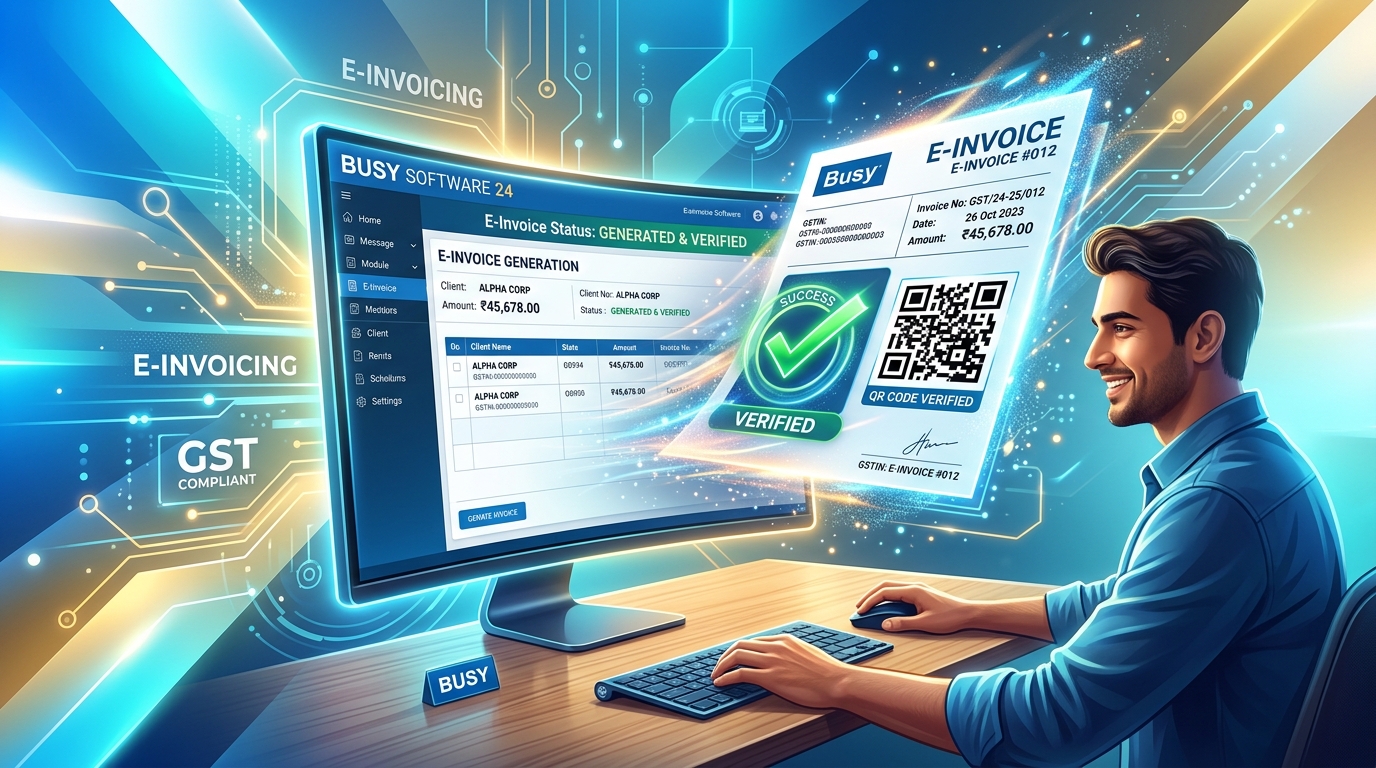
- Generate the IRN: Click submit to push data directly via API. IRP processes and returns the unique IRN & QR code.
- Correct Errors (If Rejected): Review returned validation codes and error prompts to adjust mismatching data instantly.
- Print QR Code Invoice: Print the generated code & compliance headers onto your tax invoice format.
Common Reasons for E-Invoice Rejection
- Incorrect/Inactive Party GSTIN
- Missing HSN Codes on Items
- Non-standard Units of Measurement (UOM)
- Invalid Pin Code or mismatching State Codes
- Mathematical Tax Value calculations mismatch
- Duplicate Invoice Numbers in current Financial Year
Frequently Asked Questions (FAQs)
Q1: Can an e-invoice be generated later if the invoice is already saved in BUSY?
Yes. If the invoice is saved but the IRN has not been generated yet, users can generate the IRN later from BUSY, provided the invoice is still within the allowed reporting timeline.
Q2: Should an IRN be generated before sharing the invoice with the buyer?
Yes. For eligible B2B transactions, the IRN and QR code should be generated before the invoice is issued to the buyer.
Q3: What should a user do if IRN generation fails in BUSY?
If IRN generation fails, BUSY displays the error message received from the IRP. The user should review the reason, correct the relevant details, and try generating the IRN again.